Announcements and notifications
In VAREK, important announcements can be shared in an announcement channel, and
an @kaikki alert reaches all channel members by email too. Everyone can
choose which channels send them notifications.
Turn a channel into an announcement channel
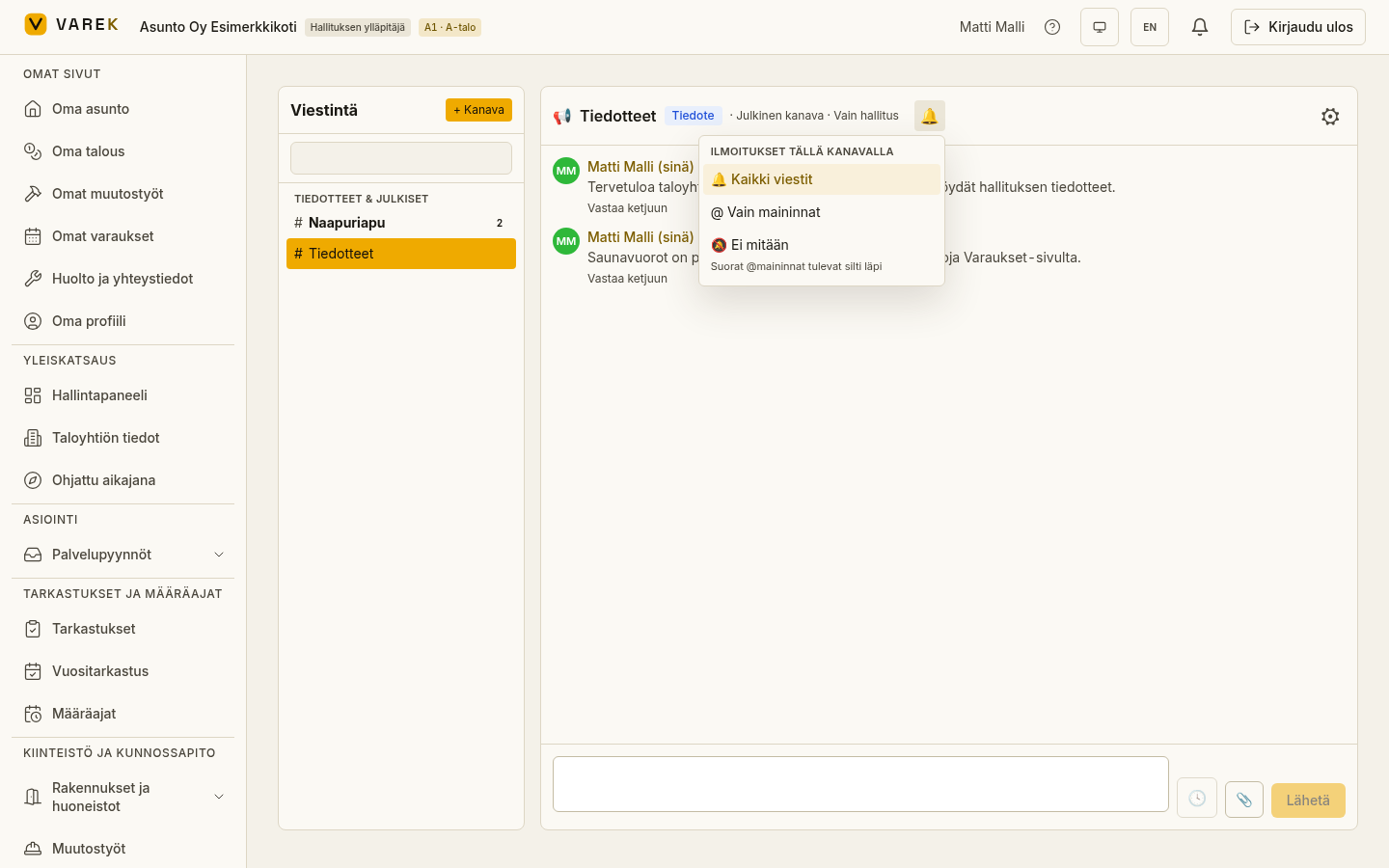
Section titled “Turn a channel into an announcement channel”In an announcement channel only admins can post messages — everyone else reads. This suits official communication, for example.
- Open the channel and its settings (⚙).
- Tick Announcement channel — only admins can post.
- Confirm the choice.
An Announcement badge appears in the channel header, and posting rights lock to admins.
Send an alert to everyone (@kaikki)
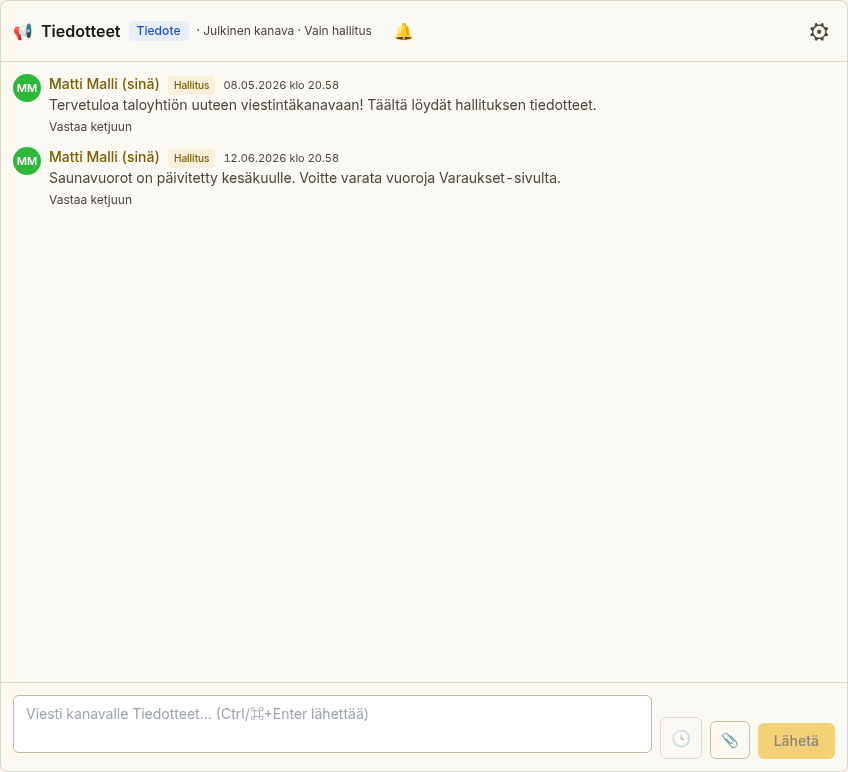
Section titled “Send an alert to everyone (@kaikki)”When a channel allows @kaikki alerts, you can reach all channel members with
a single message.
- Allow alerts in the channel settings (Allow notifications to everyone (@kaikki)) — this is an admin right.
- Write the message and tick Notify everyone (@kaikki) under the message
field, or type
@kaikkiin the message. - Send the message.
Channel members get a notification, and @kaikki alerts are also collected
into a daily email digest that reminds recipients of alerts they haven’t
read.
Choose which channels notify you
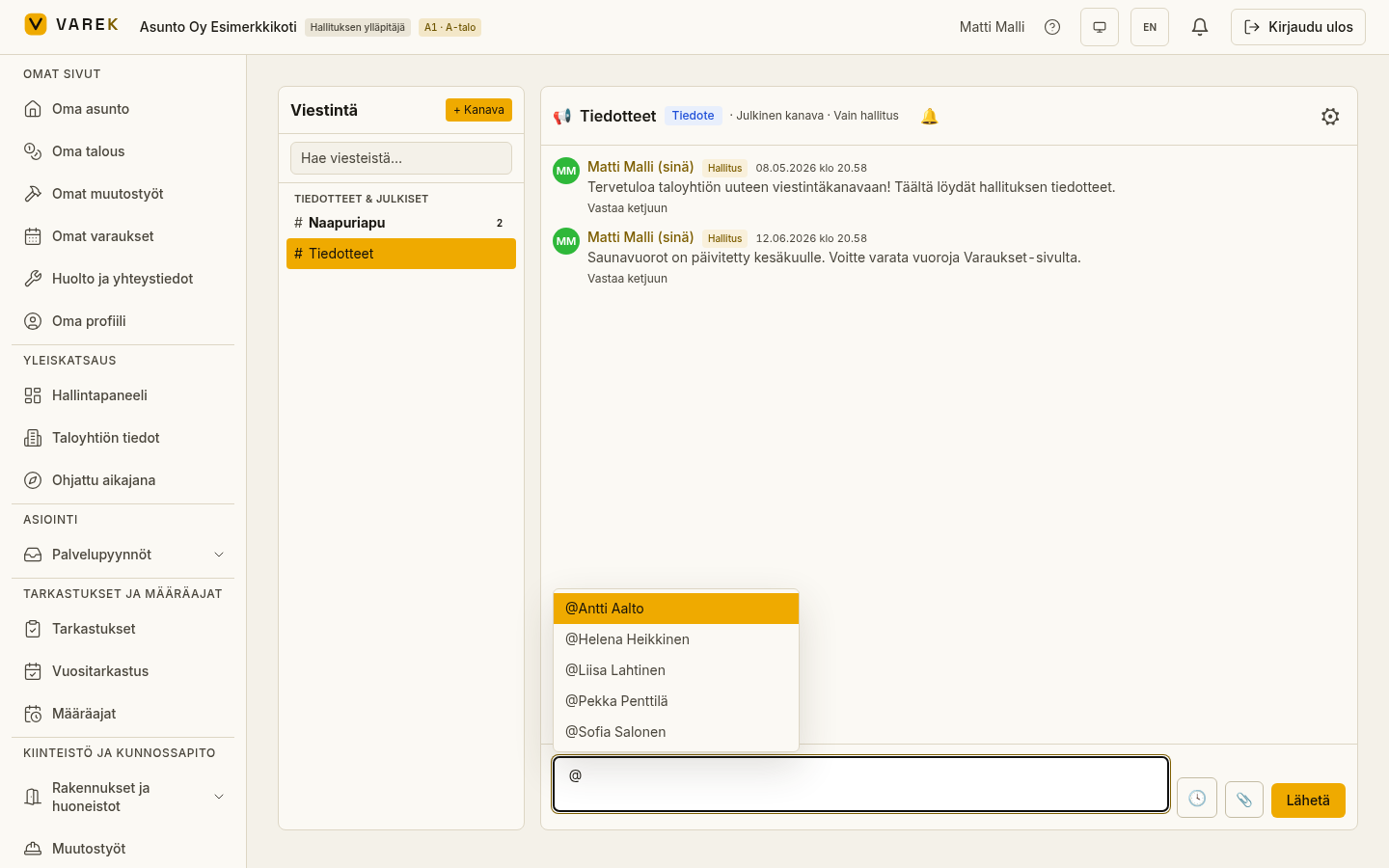
Section titled “Choose which channels notify you”You can mute a channel or limit notifications to mentions only.
- Open the channel.
- Select the bell button (🔔) in the header row.
- Choose:
- All messages — get a notification for every message;
- Mentions only — only when you’re mentioned or there’s an
@kaikki; - Nothing — the channel is muted.