Service contacts
Service contacts bring together the association’s important contact details: the
maintenance company, the locksmith, the key service and other partners. They are
shown to every member on the Housing company page (/taloyhtio), so anyone
can quickly find the right number — including the on-call number.
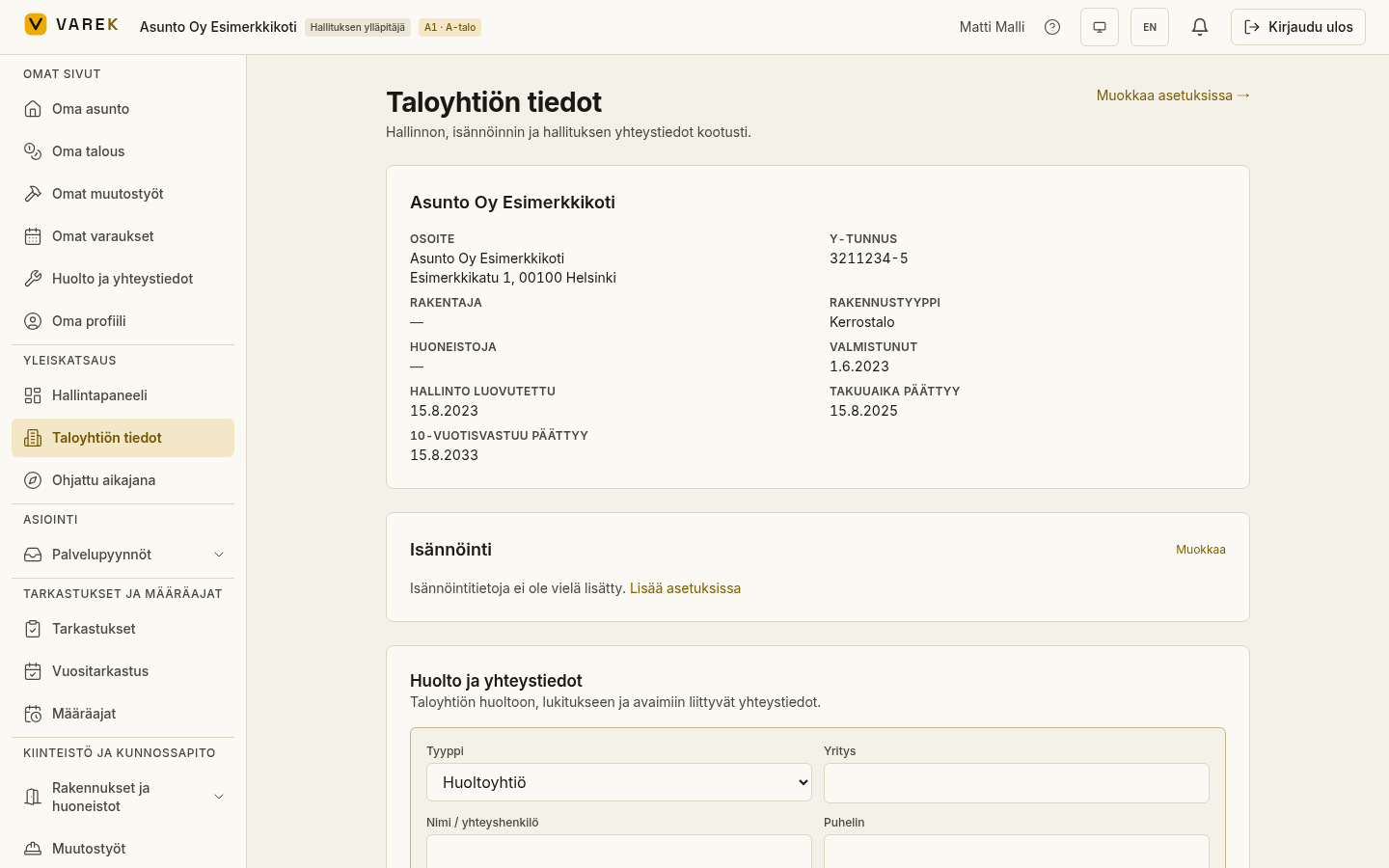
Add a service contact
Section titled “Add a service contact”- Open the Housing company page.
- Find the Service contacts section and choose Add (“Lisää”).
- Pick a type and fill in the relevant fields.
- Save.
Fields
Section titled “Fields”- Type — e.g. maintenance company, locksmith, key service / door opening, property management, security, waste management, emergency, accountant or other.
- Company and name — the service provider and the contact person.
- Phone and on-call number — the on-call number is a separate field for, for example, evening and weekend duty.
- Email and website.
- Instructions — a free-text field for, for example, ordering keys or opening a door.
Edit or delete
Section titled “Edit or delete”For each contact, the board has Edit and Delete buttons. Editing happens inline in the list.