Signing in and invitations
You reach VAREK at app.varek.fi. This page covers the three ways to get started: signing in, accepting an invitation, and requesting access.
Signing in
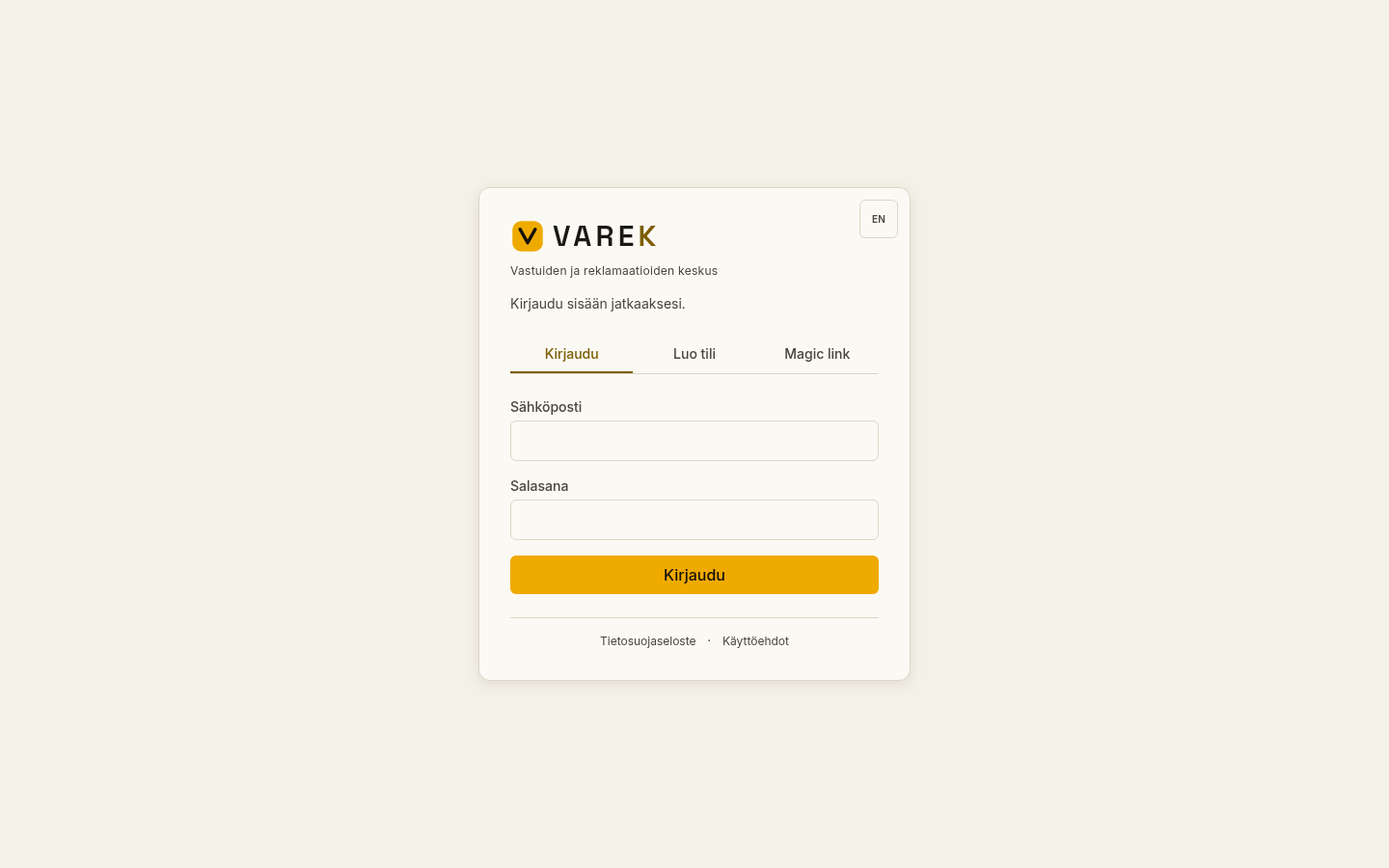
Section titled “Signing in”- Open app.varek.fi.
- Choose the “Kirjaudu” (Sign in) tab.
- Enter your email address and password, then press the sign-in button.
The sign-in page has three tabs:
- “Kirjaudu” (Sign in) — sign in with email and password.
- “Luo tili” (Create account) — create a new account with email and password.
- “Magic link” — receive a one-time sign-in link by email, with no password.
Forgotten password
Section titled “Forgotten password”If you have forgotten your password, you can reset it yourself:
- Open the “Kirjaudu” (Sign in) tab and press the “Unohditko salasanasi?” (Forgot your password?) link below the password field.
- Enter your account’s email address and press “Lähetä palautuslinkki” (Send reset link).
- You receive a link by email. Open it and set a new password (at least 8 characters) — you are then signed in automatically.
The recovery link is valid for a limited time. If it has expired, request a new reset link from the same page.
Accepting an invitation
Section titled “Accepting an invitation”If the board has sent you an invitation, you receive a link by email. The invitation link links you directly to the right housing company with the right role.
- Open the invitation link from your email.
- If you do not yet have an account, choose “Luo tili” (Create account) and set a password. At the same time, accept the terms of use and the privacy policy using the checkbox.
- If you already have an account, choose “Kirjaudu” (Sign in) and sign in with your credentials.
- VAREK accepts the invitation automatically and takes you to the home page.
When you create an account through an invitation link, the account does not need a separate email confirmation — the invitation has already proven that the email address is yours.
Requesting access
Section titled “Requesting access”If your housing company has shared a join link (for example in a bulletin or on a noticeboard), you can request access yourself:
- Open the join link. You will see the housing company’s name and a join form.
- Fill in your first and last name, email address, phone number (optional) and your apartment’s identifier (for example A19).
- Optionally, write a short message to the board.
- Accept the terms of use and the privacy policy using the checkbox.
- Press the submit button.
The request goes to the housing company’s board for approval. When the board approves the request, you receive an invitation link by email to finish setting up your account.