Wallet and paying
Some facilities can be paid. The charge is taken from your personal wallet balance, so your balance must be high enough before you confirm a booking. Free facilities (price 0 €) don’t use the balance at all.
The wallet card
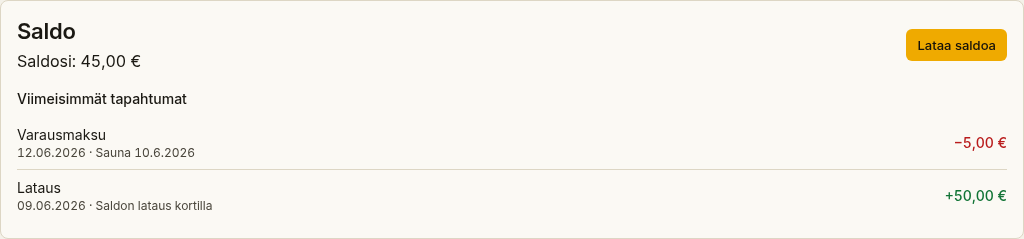
Section titled “The wallet card”At the top of the Bookings page there is a wallet card that shows:
- Saldosi (Your balance) — the balance available to you, in euros.
- Viimeisimmät tapahtumat (Recent transactions) — up to five recent transactions, such as a top-up, a booking charge, a refund or an adjustment.
Booking a paid facility
Section titled “Booking a paid facility”- Choose a paid facility and time as usual.
- The booking dialog shows a Hinta (Price) row and a Saldo (Balance) row. The price is calculated by the facility’s billing increment (e.g. € / 60 min).
- If your balance is enough, select Vahvista varaus (Confirm booking). The charge is taken from your balance.
If your balance is not enough, VAREK shows the message Saldo ei riitä tähän varaukseen (Your balance is not enough for this booking) and you can’t confirm the booking until you top up.
Topping up your balance
Section titled “Topping up your balance”There are two ways to top up, and which one is available depends on the housing company’s settings:
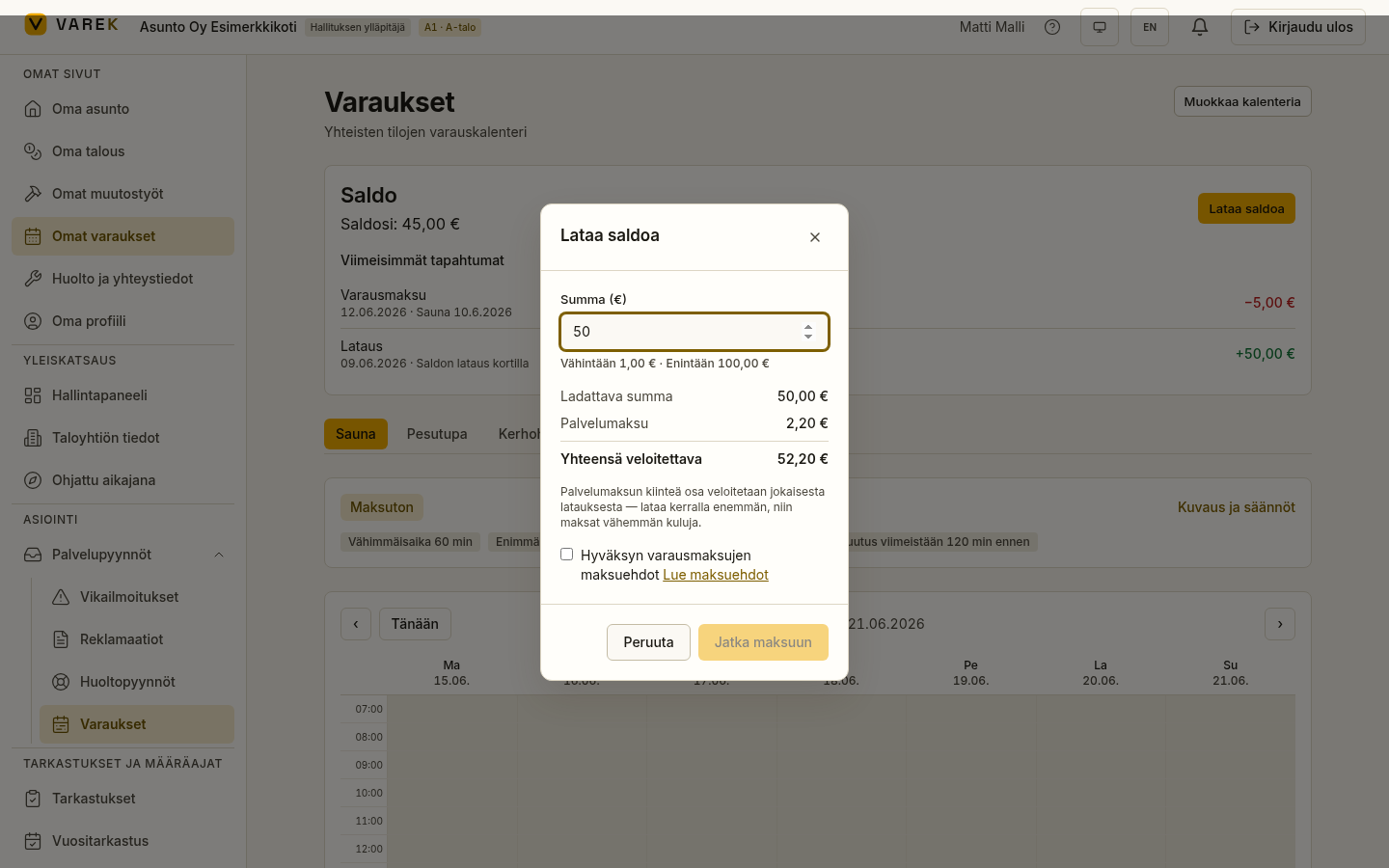
- Top up yourself — if online payment is enabled, the wallet card shows a Lataa saldoa (Load funds) button. Enter an amount to see the amount loaded, the service fee and the total to be charged. On your first top-up you must tick the payment-terms checkbox (a link to /maksuehdot opens on the form) before continuing; subsequent top-ups skip this step. The card form opens inside the app — you are not redirected to an external payment page. Once payment succeeds your balance updates automatically.
- Ask the board to top up — if online payment isn’t enabled, the board can load funds for you. In that case, contact the board.