Example data
When your housing company is still empty, you can load example data with a single click and see right away what VAREK looks like with real defects and claims — before you enter any of your own data. Example data is meant for getting to know the product and for demos, and you can remove it entirely at any time.
Who can load example data?
Section titled “Who can load example data?”Loading and removing example data is limited to admin roles (the board admin
board_admin or the chair super_admin). Other roles do not see the button.
Loading example data
Section titled “Loading example data”- Sign in to VAREK and open the dashboard.
- At the top of the dashboard you’ll see the “Aloita tästä” (Get started) card (the getting-started guide).
- Press “Lataa esimerkkidata” (Load example data).
VAREK creates the example rows in your housing company in a moment and takes you to view them.
What does the example data include?
Section titled “What does the example data include?”Loading adds to your housing company:
- 1 example building
- 6 apartments
- 5 defect reports across different warranty-lifecycle stages — so you can see what the Defects view looks like when it’s populated.
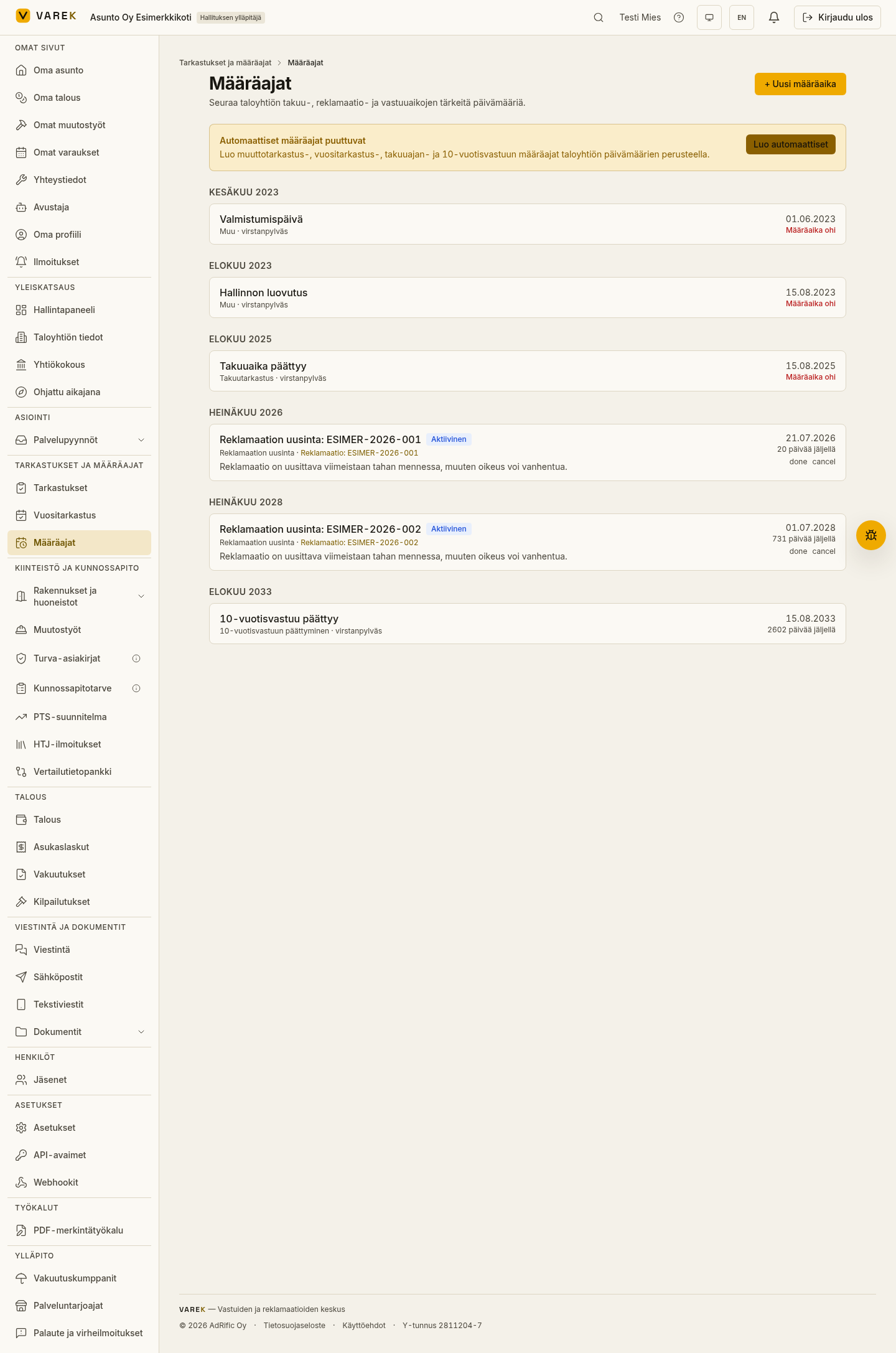
- 2 claims, one of which has a renewal deadline about 20 days out. This row shows red in the Deadlines view and demonstrates the 3-year expiry rule for claims — VAREK’s most important deadline tracking.
Removing example data
Section titled “Removing example data”Example data is fully reversible:
- Open the “Aloita tästä” (Get started) card on the dashboard.
- Press “Poista esimerkkidata” (Remove example data).
VAREK removes every example row — the building, apartments, defect reports and claims — and touches nothing else.